Talking videos, tutorials, presentations and short films, made from text

Tools for the videos a small team needs but rarely has time to shoot. Each render shows its price in credits before you start, and failed renders are refunded.

A presenter in a light suit beside a wall spelling Let's Talk

Talking video

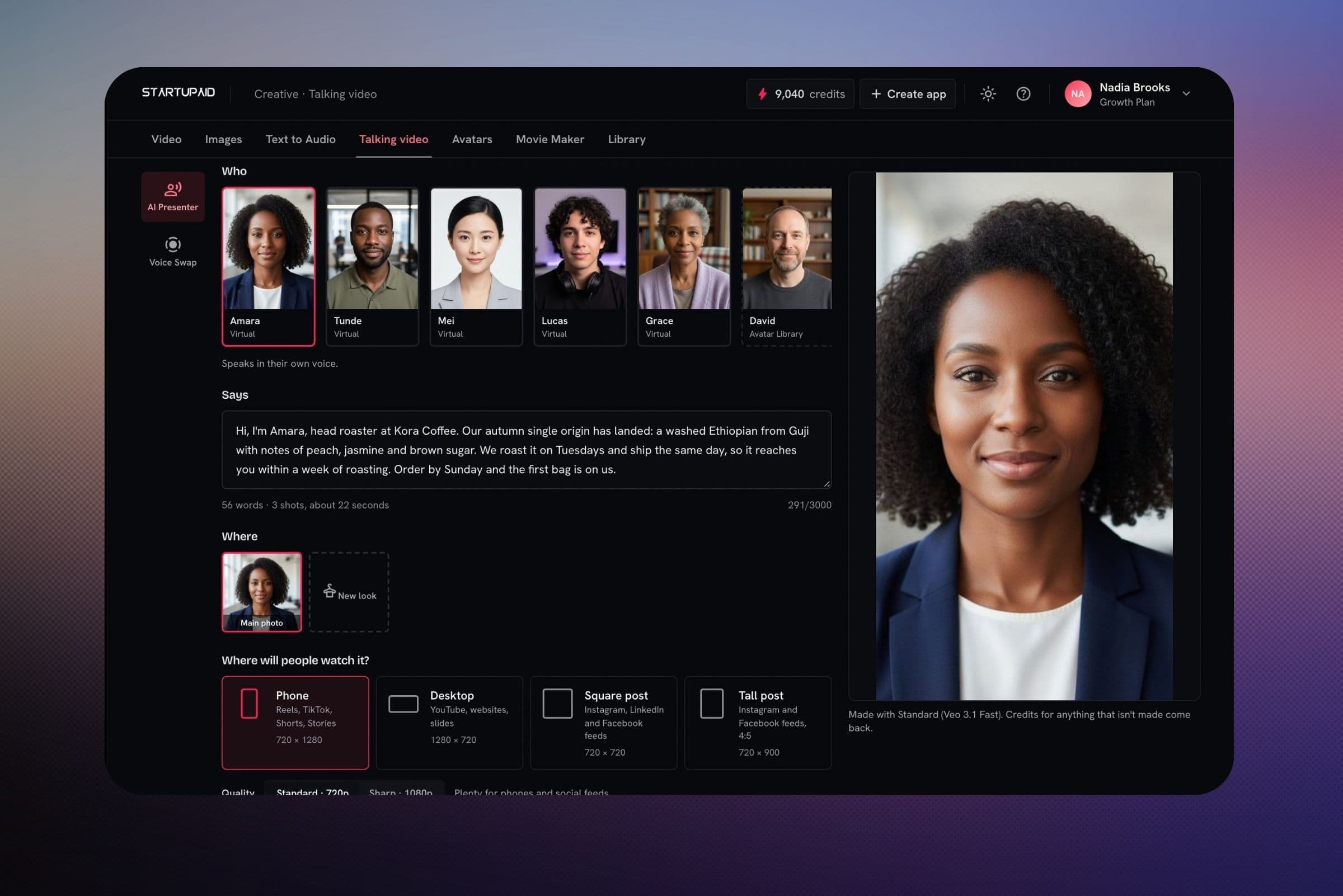
Write what you want said and pick who says it: one of 40 ready-made presenters, or a photo of yourself. StartVid, our own presenter model, makes it lip-synced at the lowest price; Veo adds more movement and goes up to 1080p.

  • Phone (9:16), desktop (16:9), square and tall feed shapes. StartVid at 720p, or Veo at 720p or 1080p
  • Use a stock voice, or clone your own from a short recording
  • Edit with AI: describe a change, see the plan and its price, then apply or undo it
A face in profile with a sound wave coming from the mouth

Voice Swap

For tutorials and product walkthroughs. Upload the recording and we transcribe it into an editable script, then a new voice reads it back in time with the picture.

  • Fix mistakes in the script instead of recording again
  • Add a lip-synced presenter in a bubble and drag it anywhere on screen
  • Export with captions
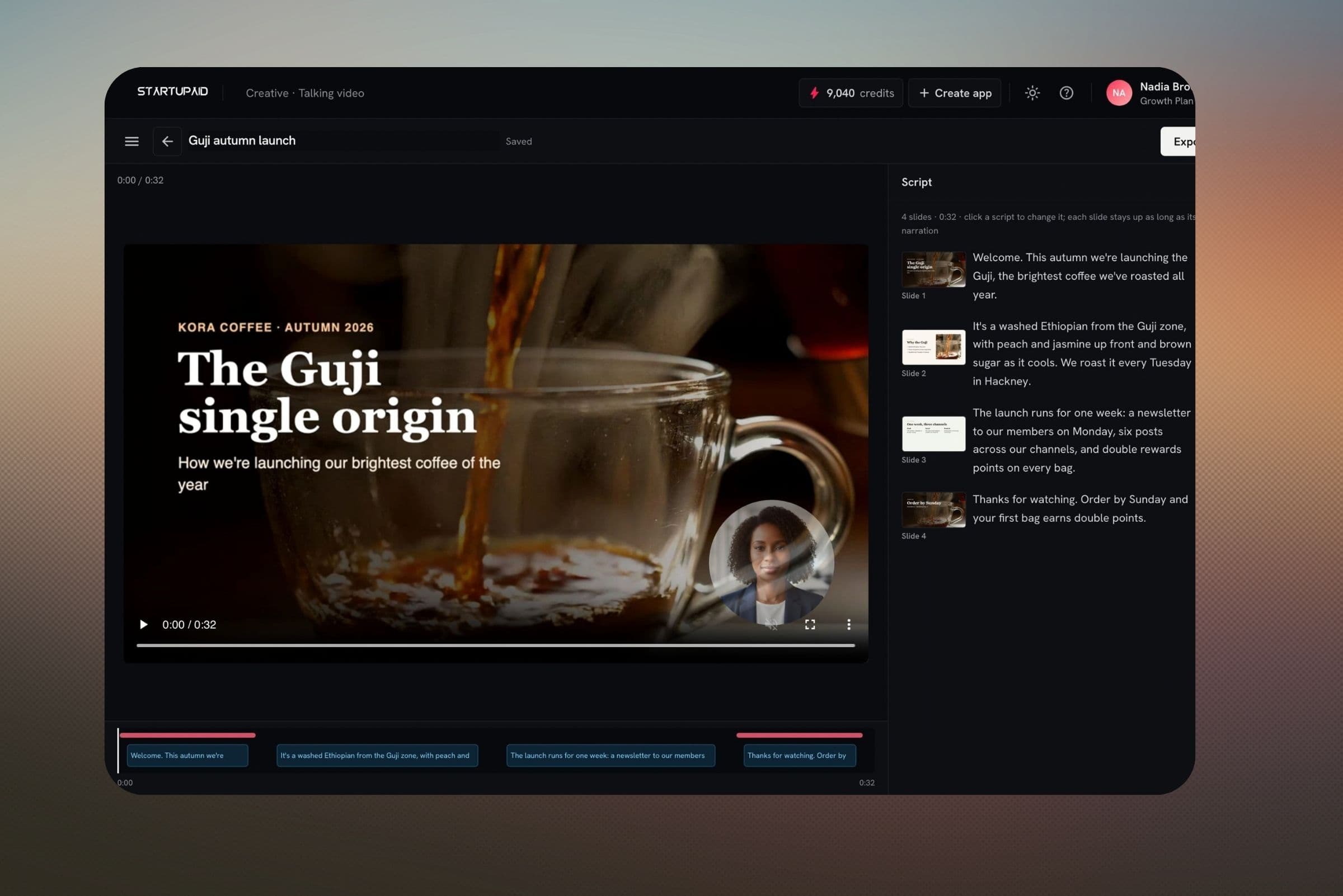
Slides to Video: a deck's title slide with a presenter bubble, and a script beside each slide

Slides to Video

Turn a presentation into a narrated video. Each slide becomes a scene with its own script, and stays on screen for as long as its narration lasts.

  • Upload the deck as a PDF from PowerPoint, Keynote or Google Slides; add the .pptx and its speaker notes become the script
  • No notes? AI drafts the narration from what's on the slides
  • No deck? Describe a topic, and AI writes the slides and narration for your avatar to teach
  • A presenter on every slide, only the first and last, or the ones you pick
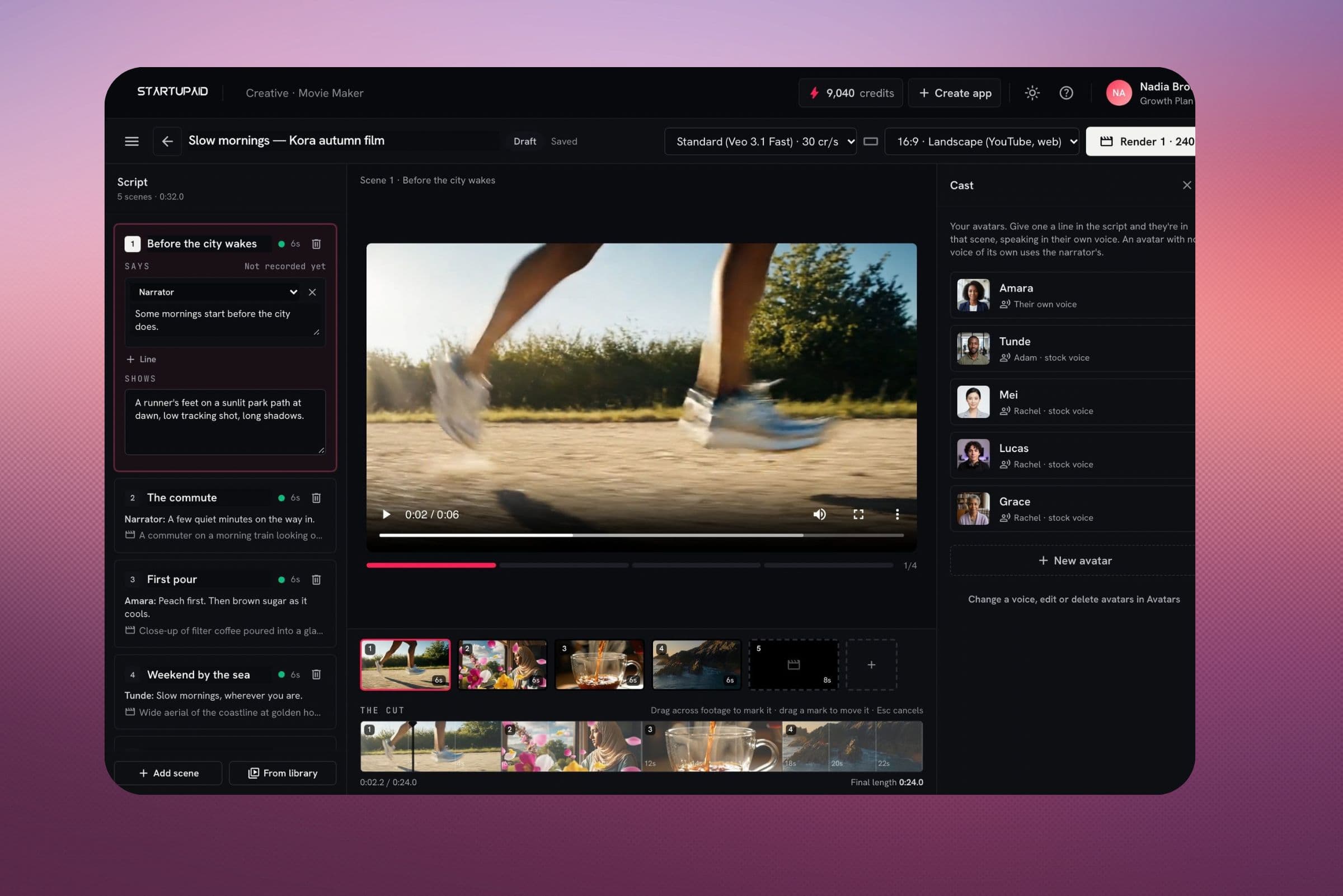
Movie Maker: the scenes of a screenplay with the cast beside them

Movie Maker

Turn an idea into a short film, or upload a full screenplay and shoot it a few scenes at a time.

  • Reads Word (.docx), PDF and Final Draft (.fdx) screenplays
  • Cast each character once; their face, hair and clothes carry over between shots
  • Speaking scenes are lip-synced, with each person in their own voice. Turn it off for any scene
  • Looks including Cinematic, Documentary, Anime and Cinematic cartoon
  • Shoot the next three scenes now, come back for the rest, and assemble what's done at any point
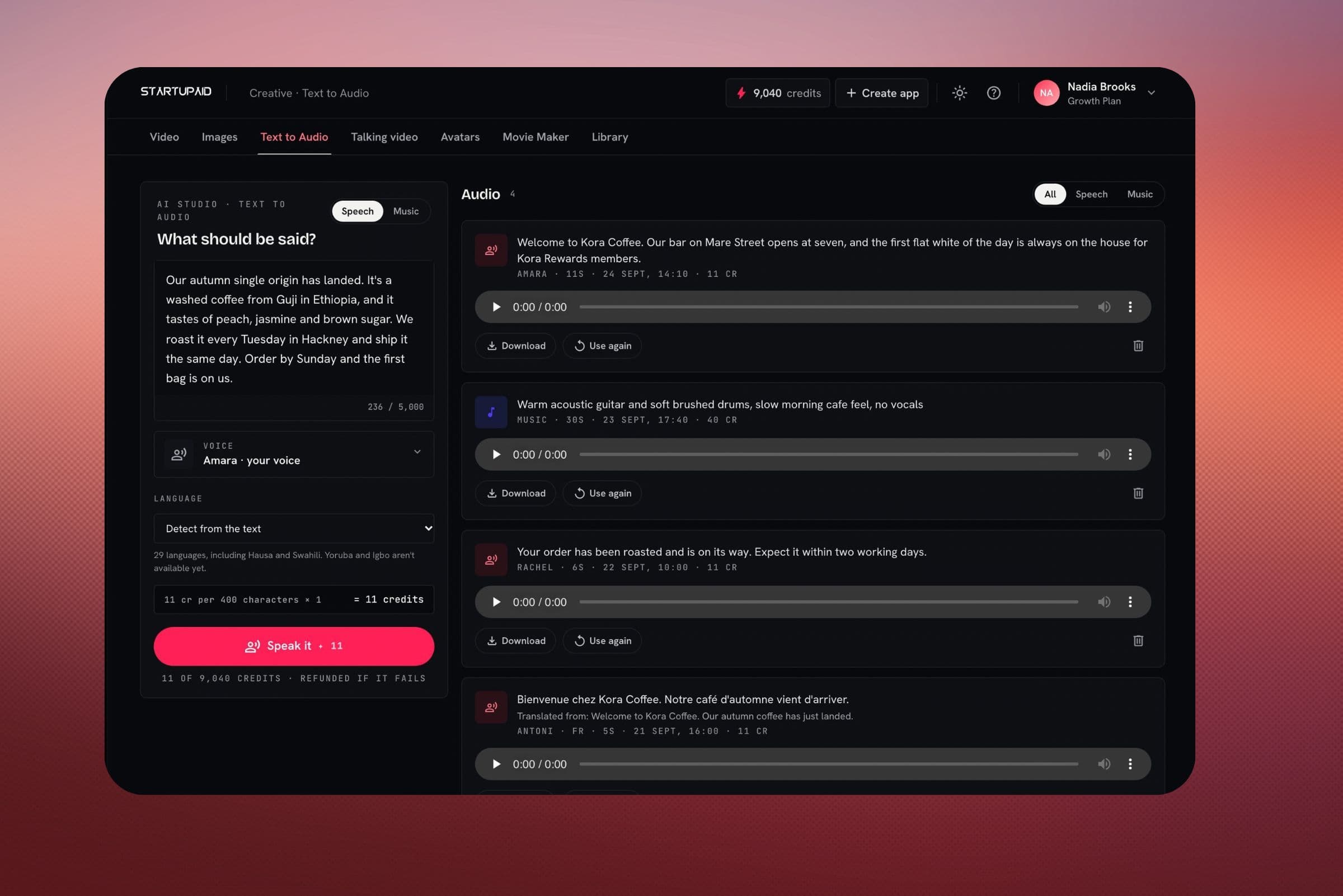
Voice & Music: a script with a voice picker and a music prompt

Voice & Music

A script read in a stock voice or your cloned one, or a soundtrack from a description. Use them on their own or in any video.

  • Stock voices, or your own cloned voice
  • Soundtracks from a short clip to a few minutes long
  • Everything you make stays in your library
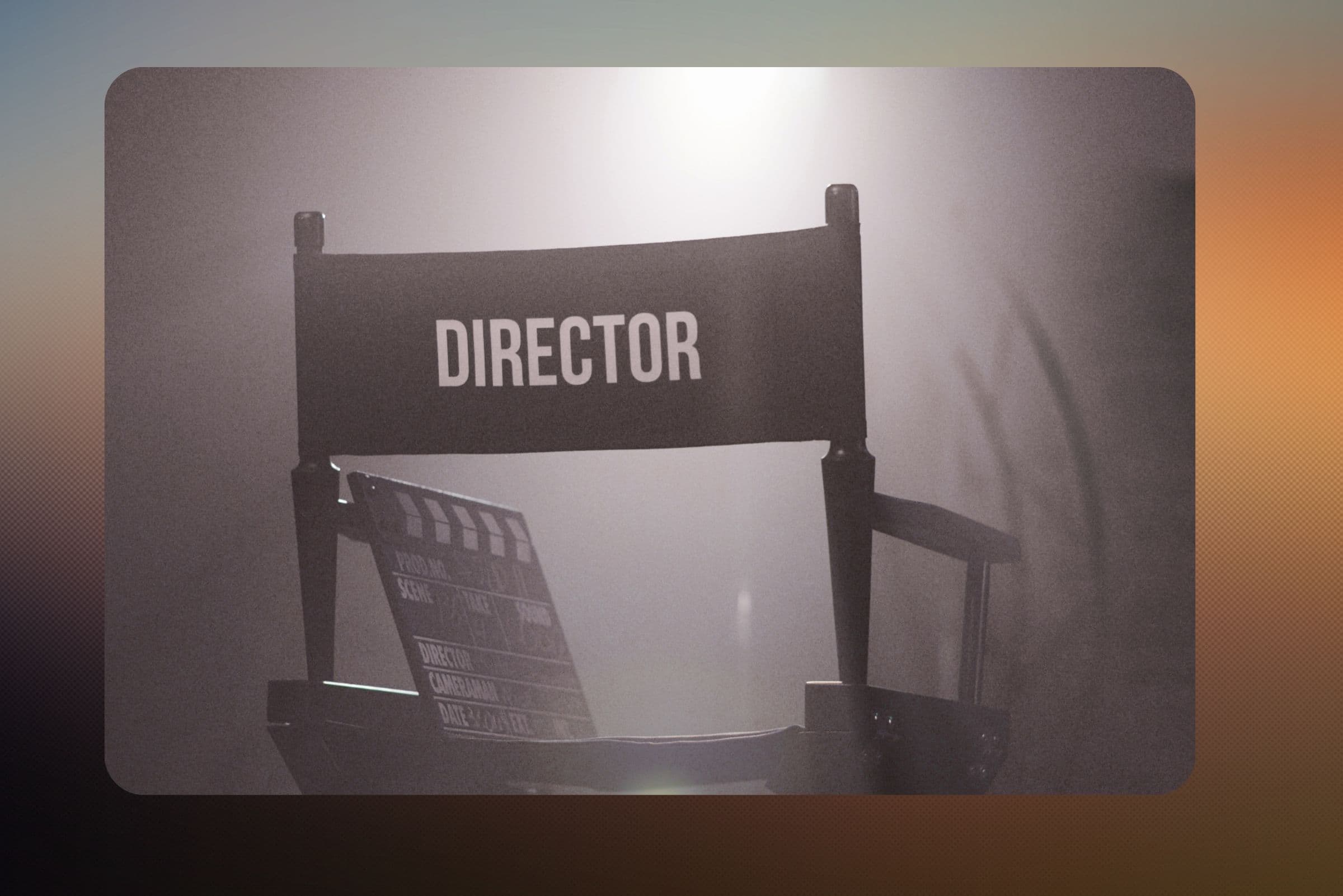
A director's chair and a clapperboard under a soft spotlight

Vibe Director

Describe the feel of a shot in plain words. Vibe Director writes it up as a shot (framing, light, camera movement) that you can edit before rendering.

  • Start from text, a picture, or reference images of a person or product
  • Keep every take in your library
  • Post a finished clip straight to your social channels

Also in Video

Recast
Put someone else into a finished clip of 5 to 15 seconds. The movement, camera, scene and sound stay the same.
Edit with AI
Describe a change to a talking video or a film in words. You see the planned edits and their price, then apply or undo them.
Open in an editor
Download every clip, voice, music file and caption with a timeline for DaVinci Resolve, Premiere Pro or Final Cut Pro.

Talking presenters are made with StartVid, our own presenter model. See StartVid talk.

A few clips from the models

Aerial coastline at sunrise Veo
City street after rain Seedance
Coffee poured into a glass Veo
Desert highway at golden hour Seedance

Choose the model per clip

Draft cheaply while you work out the shot, then use a better model for the one you publish. Images come from Flux, Seedream and Nano Banana, and any image can be turned into a clip.

StartVid StartupAid
Our own presenter model. A photo and a recorded line become a lip-synced talking video, at 720p.
Veo 3.1 Google
Clips of 4, 6 or 8 seconds, in draft, standard and high quality. The one to use for real people.
Seedance 2.0 ByteDance
Up to 15 seconds, with generated sound. Takes reference images of a product or character.
Seedance 2.5 ByteDance
The newest Seedance: single clips up to 30 seconds, up to 1080p.
Kling 2.5 Turbo Pro Kuaishou
5 or 10 seconds at 1080p, and the cheapest per second for film scenes.

Make your first video today

Every plan includes some AI credits each month. Video lives on the same account as your email, social and push, so a finished clip can go straight out.

No card required. Credits are refunded if a render fails.