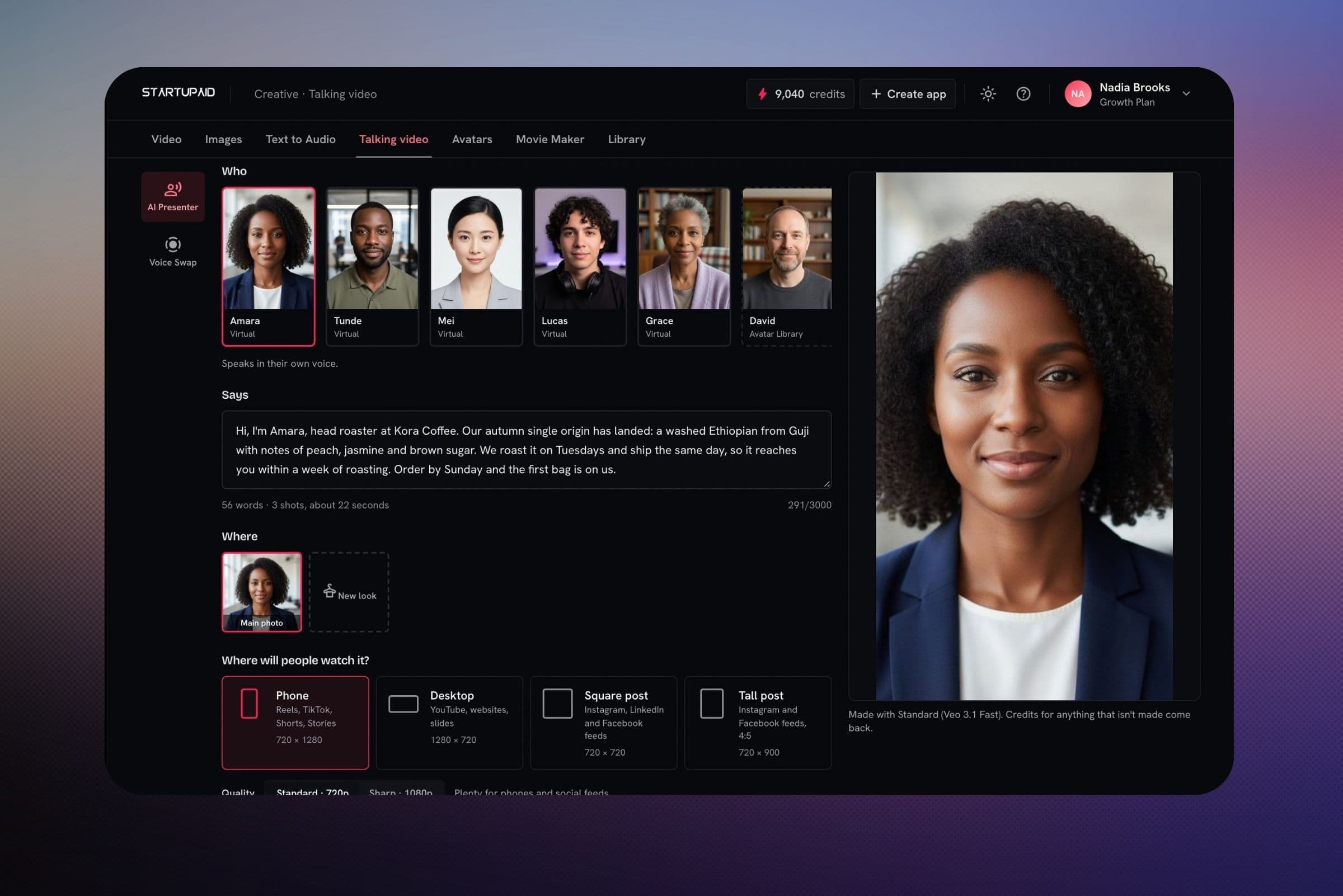
Talking video
A presenter saying your script, for ads, announcements and how-tos. Choose StartVid as the presenter model.
Our presenter model
StartVid takes a photo and a script and films that person saying it, with natural head and hand movement. It runs on GPUs we manage and is built into Talking video, where it makes the lowest-priced talking videos on StartupAid.

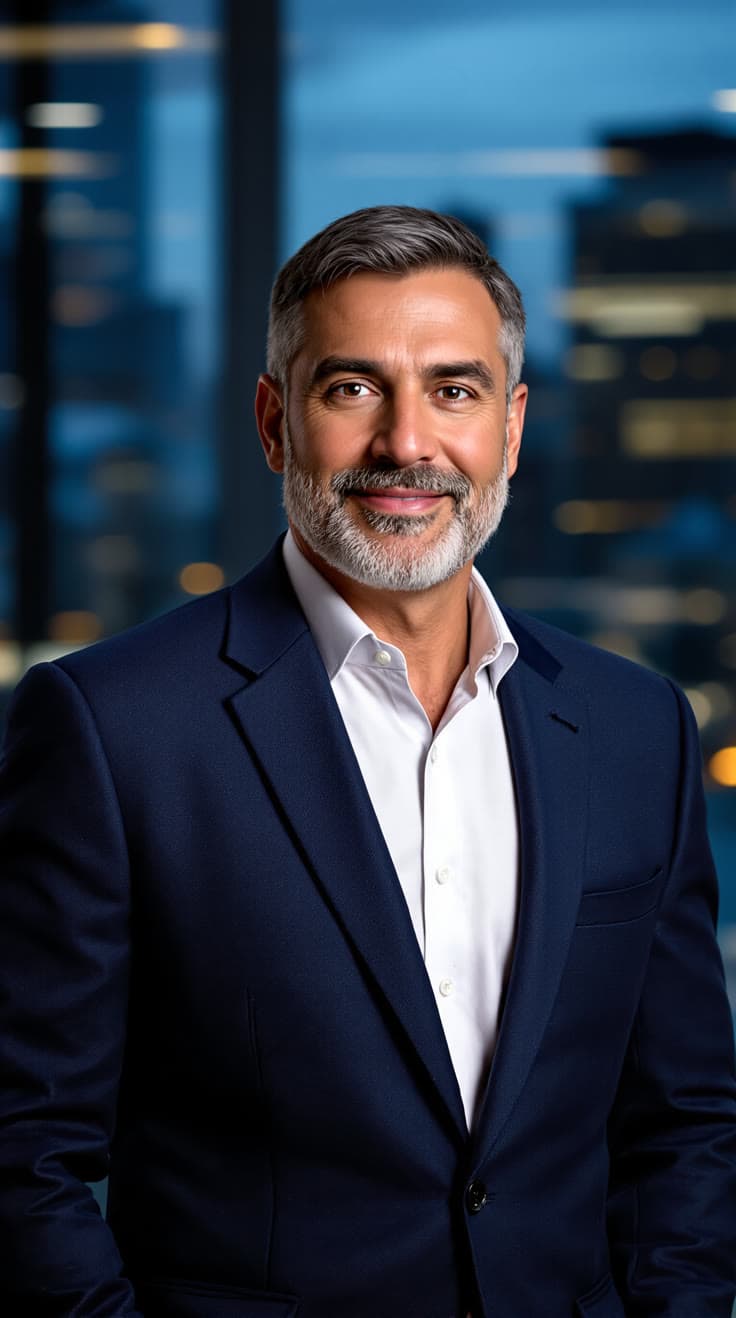
“Your quarterly numbers are in. Revenue is up eighteen percent, and I'll walk you through what drove it.”
Read by a stock voice
Each one started as a single photo. Turn the sound on to hear the line it was given.
Presenters nod, glance and gesture as they talk, so they look like someone speaking, not a moving mouth.
The mouth is made with the picture, not reshaped afterwards.
A long script is filmed in parts and joined into one video, in the same voice throughout.
720p for phone, desktop and square videos.
If a part fails on StartVid, it's made again on another presenter model automatically, at the price you saw.
Priced per second, shown before you render, and refunded if a video can't be made.
A presenter saying your script, for ads, announcements and how-tos. Choose StartVid as the presenter model.
A lip-synced presenter in a bubble over your screen recording, dragged wherever you want it.
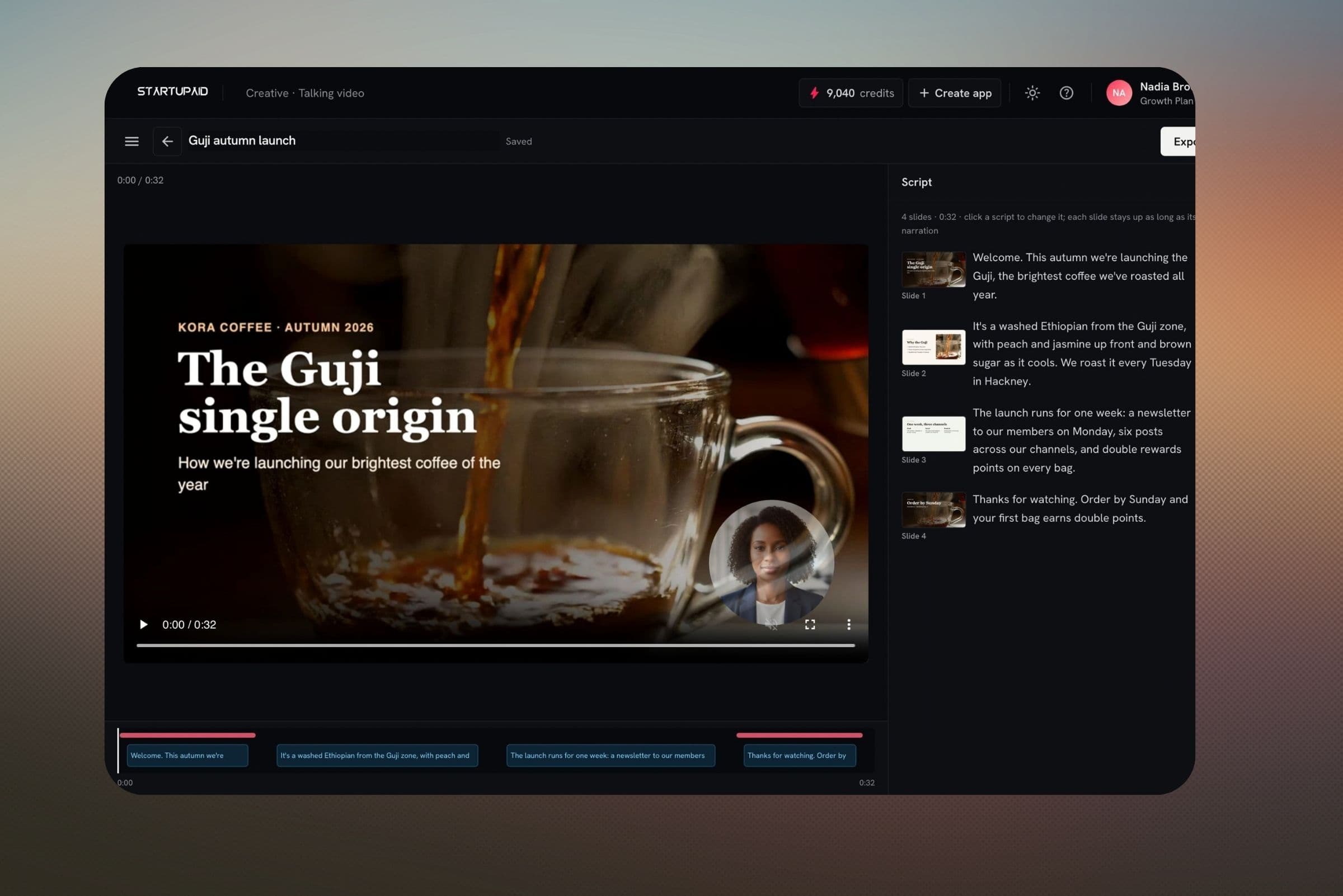
A presenter beside each slide, or teaching a whole topic from a lecture you describe.
For developers: an API is planned. Tell us if you'd like early access.
Open Talking video in Create, pick a presenter or upload your photo, and write what they say. Every plan includes some AI credits each month.
No card required. Credits are refunded if a video can't be made.