AI video
Slides to Video
Turn a presentation into a narrated video. Upload the deck as a PDF, and each slide becomes a scene with its own script, read in your voice or a stock one.
- PDF from PowerPoint, Keynote or Google Slides
- Speaker notes read from the .pptx
- AI-drafted narration for slides without notes
- Your cloned voice or a stock one
- Captions and a draggable avatar
- Up to 100 slides
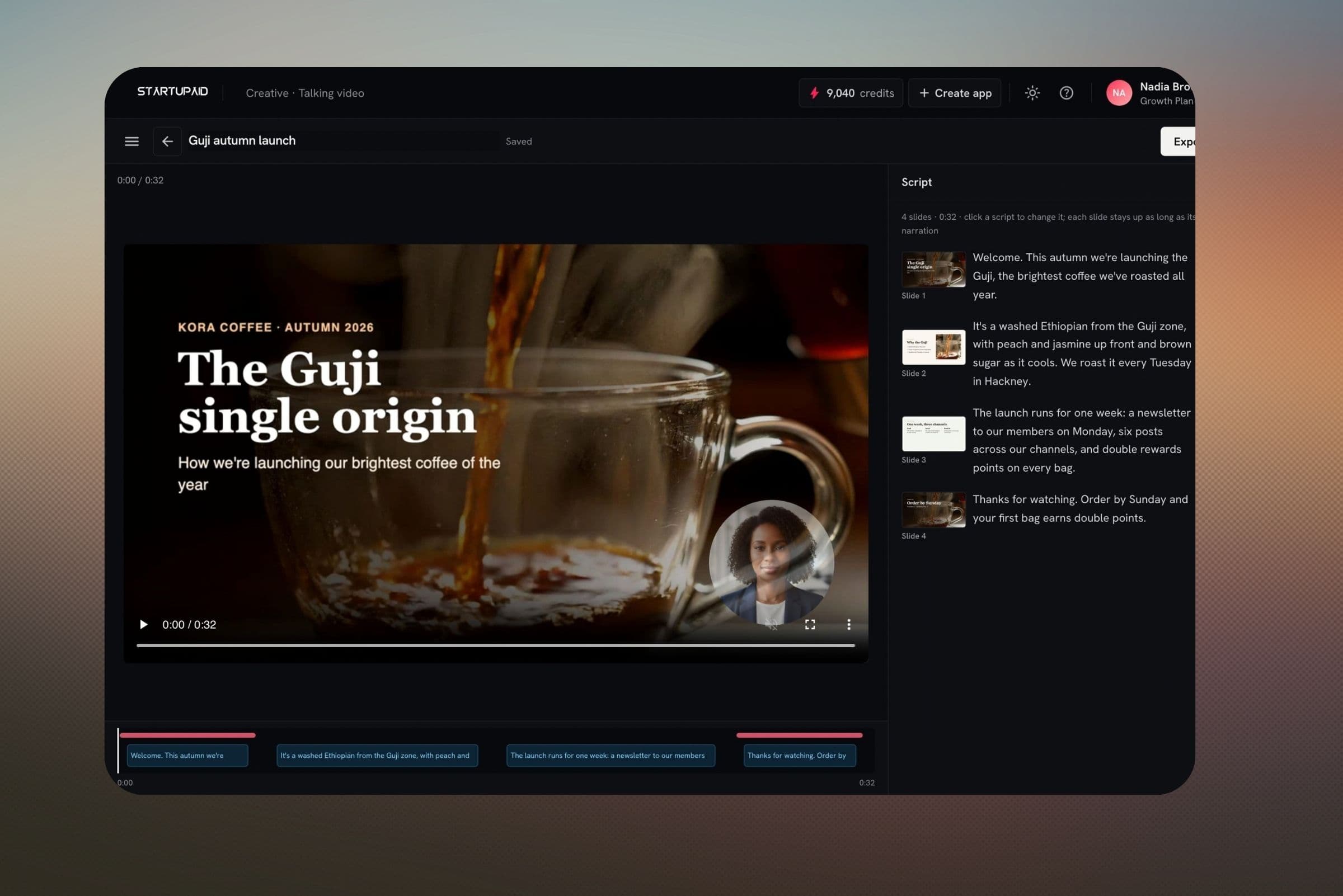
- Speaker notes become the scriptAdd the .pptx alongside the PDF and each slide's notes are its narration. Slides without notes can be drafted by AI from what's on them, for one charge for the whole deck.
- Timed to the narrationEach slide stays on screen for as long as its narration lasts, so editing a script never leaves a slide hanging or cut short.
- A presenter in the cornerAdd a lip-synced avatar on every slide, only the first and last, or the slides you pick, and drag it where it covers nothing.
Try it on the free plan
The free plan includes some AI credits each month, and the price shows before you generate.
No card needed to start.